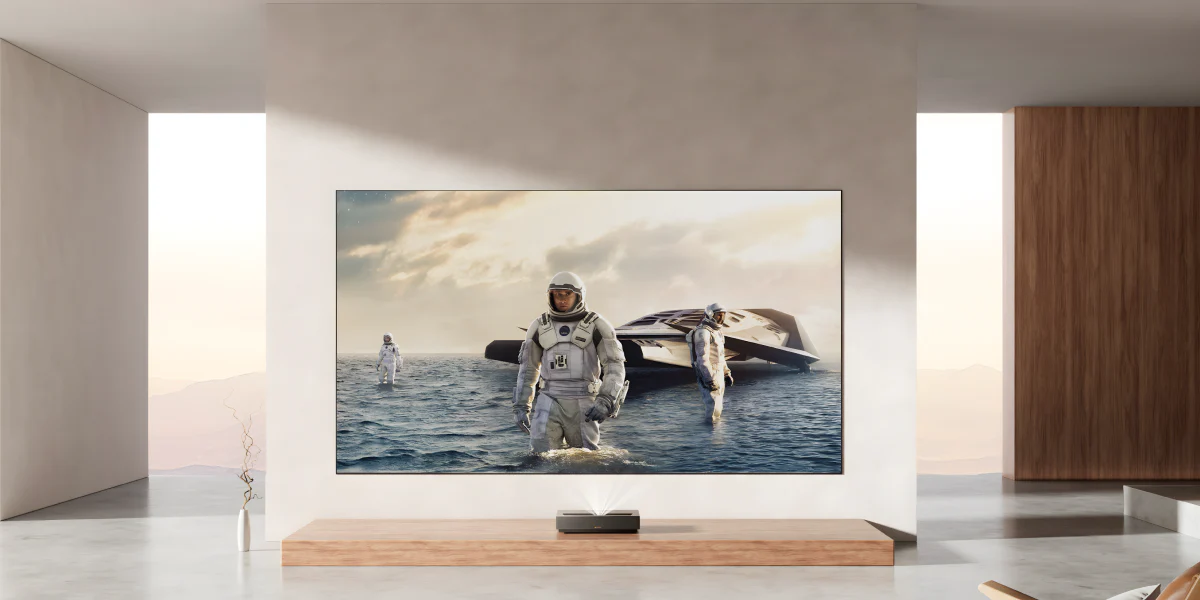
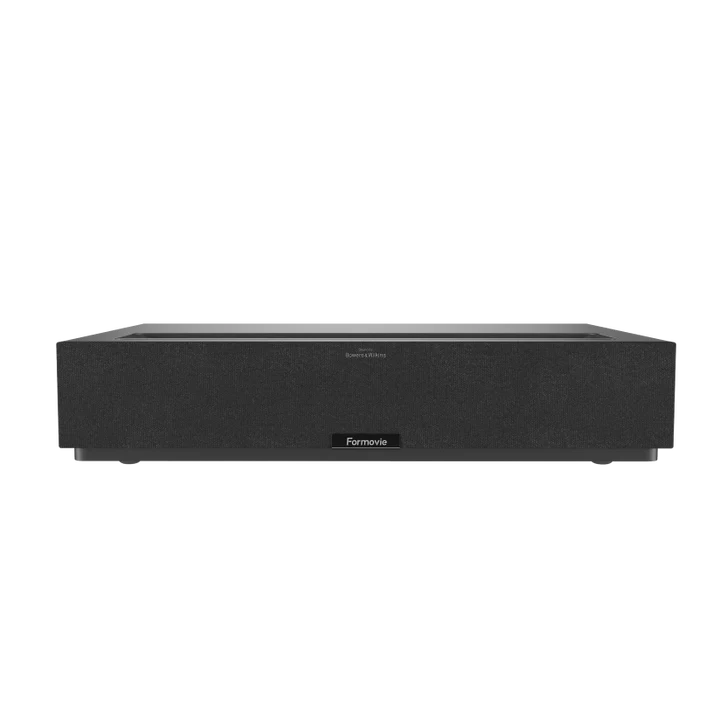
Rasakan pengalaman sinema kelas premium di rumah dengan visual tajam, warna akurat, dan kemudahan akses hiburan dalam satu perangkat yang dirancang untuk berbagai ruang.
Catatan: Fitur 3D saat ini sedang dalam tahap pengujian internal dan akan segera tersedia. Fitur ini akan dihadirkan melalui pembaruan firmware dan/atau aplikasi melalui koneksi nirkabel perangkat.
Akses Mudah ke Hiburan Favorit Anda
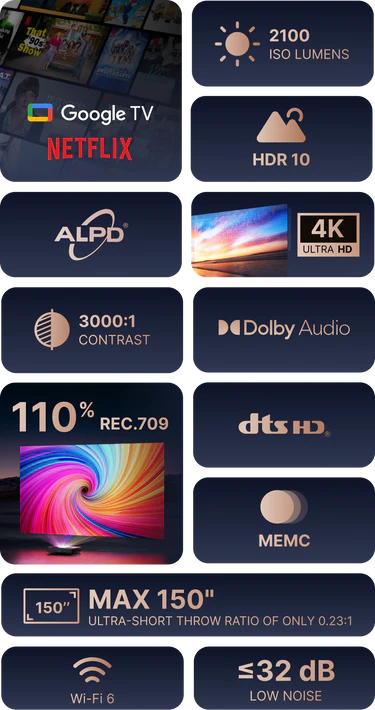
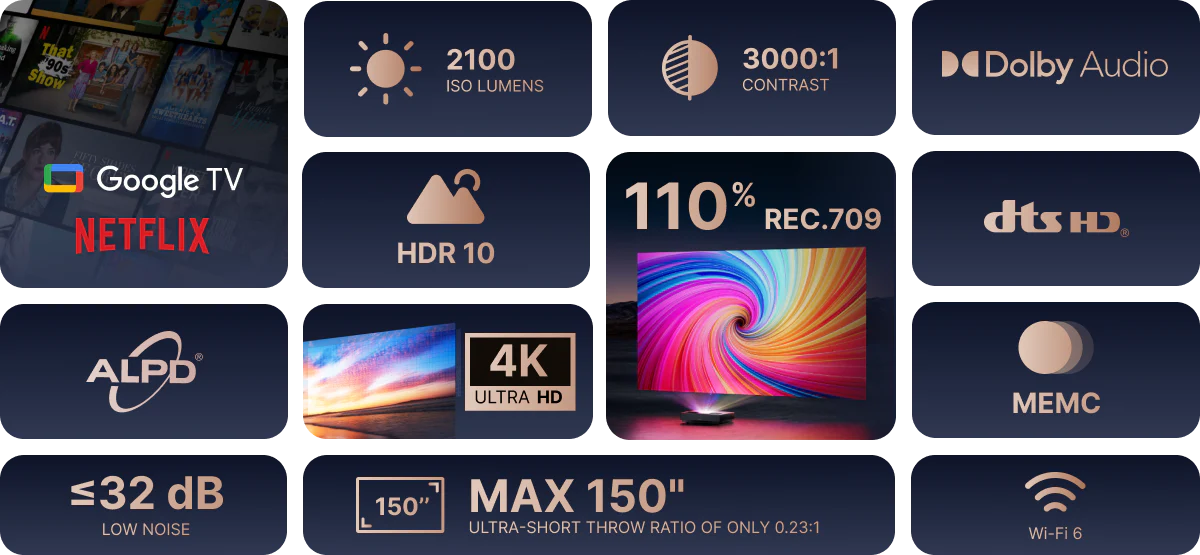
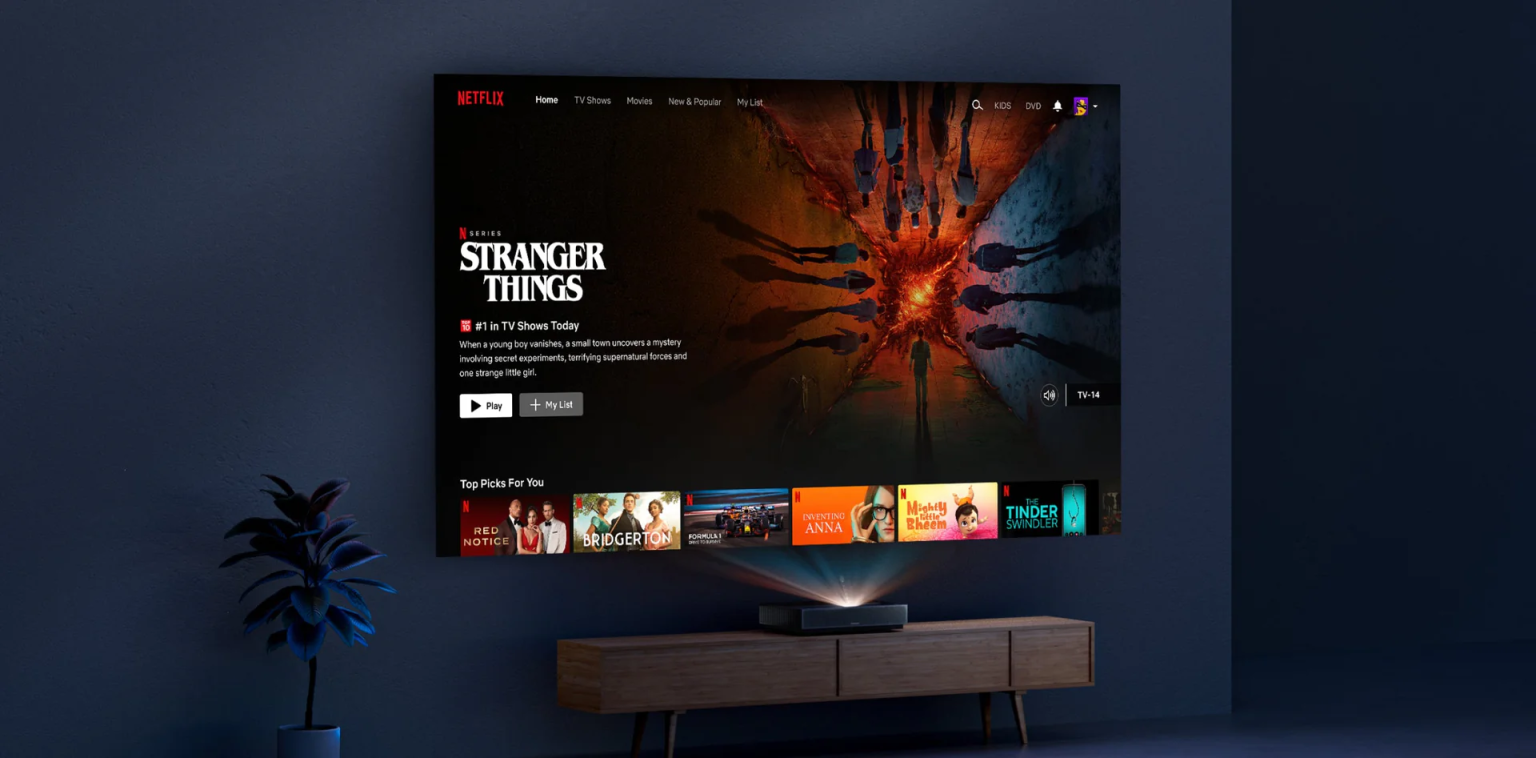
Akses langsung ke Google TV dengan Netflix memungkinkan Anda menikmati berbagai film dan serial favorit langsung dari proyektor, tanpa perlu perangkat tambahan.
Setiap Ruangan Layak Menjadi Bioskop
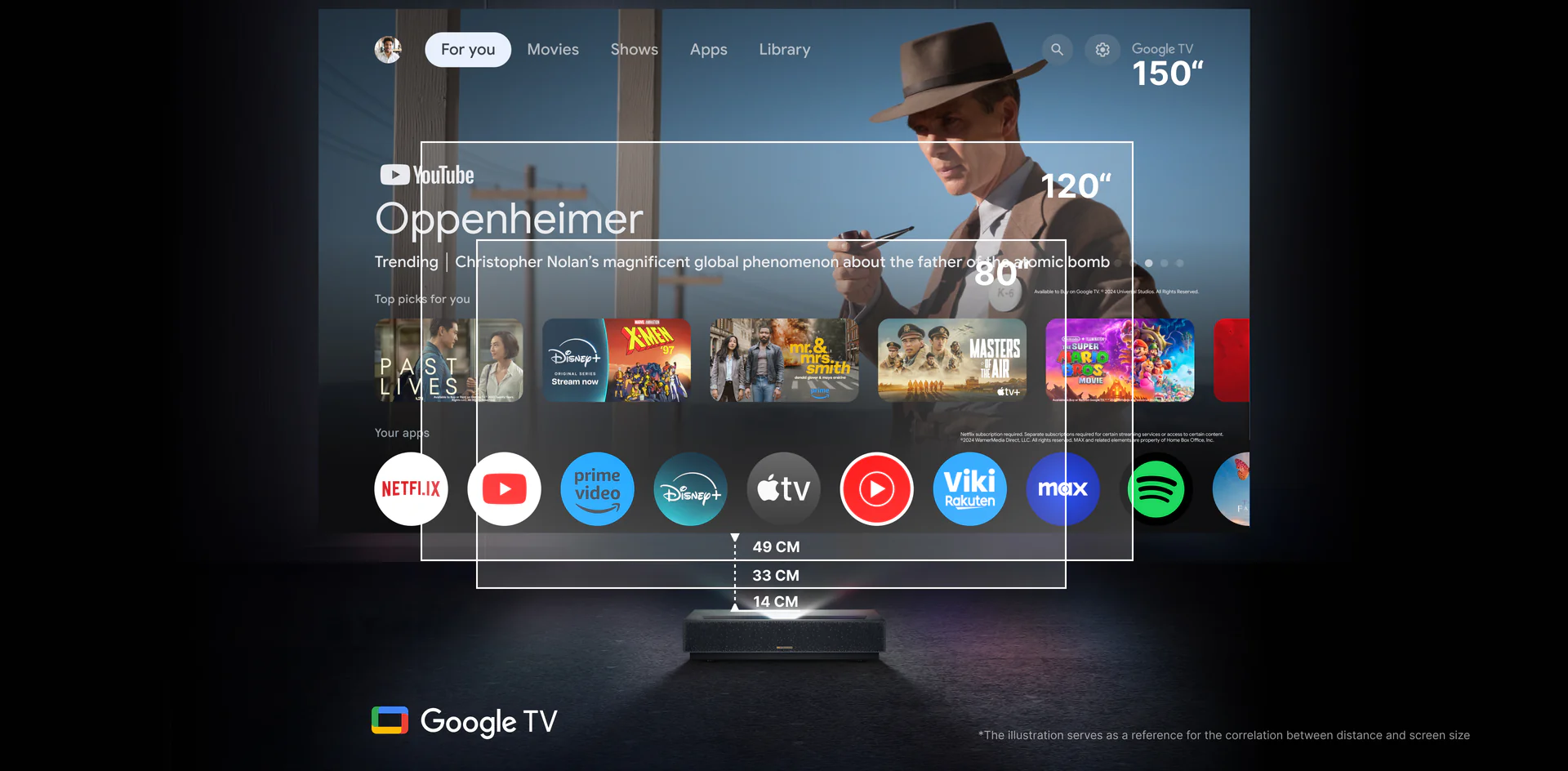
Dengan jarak hanya 49 cm untuk menghasilkan layar 150 inci, serta rasio ultra-short throw 0.23:1, bahkan ruangan kecil pun dapat diubah menjadi area hiburan yang optimal.
Akurasi Laser dan Kejernihan Visual
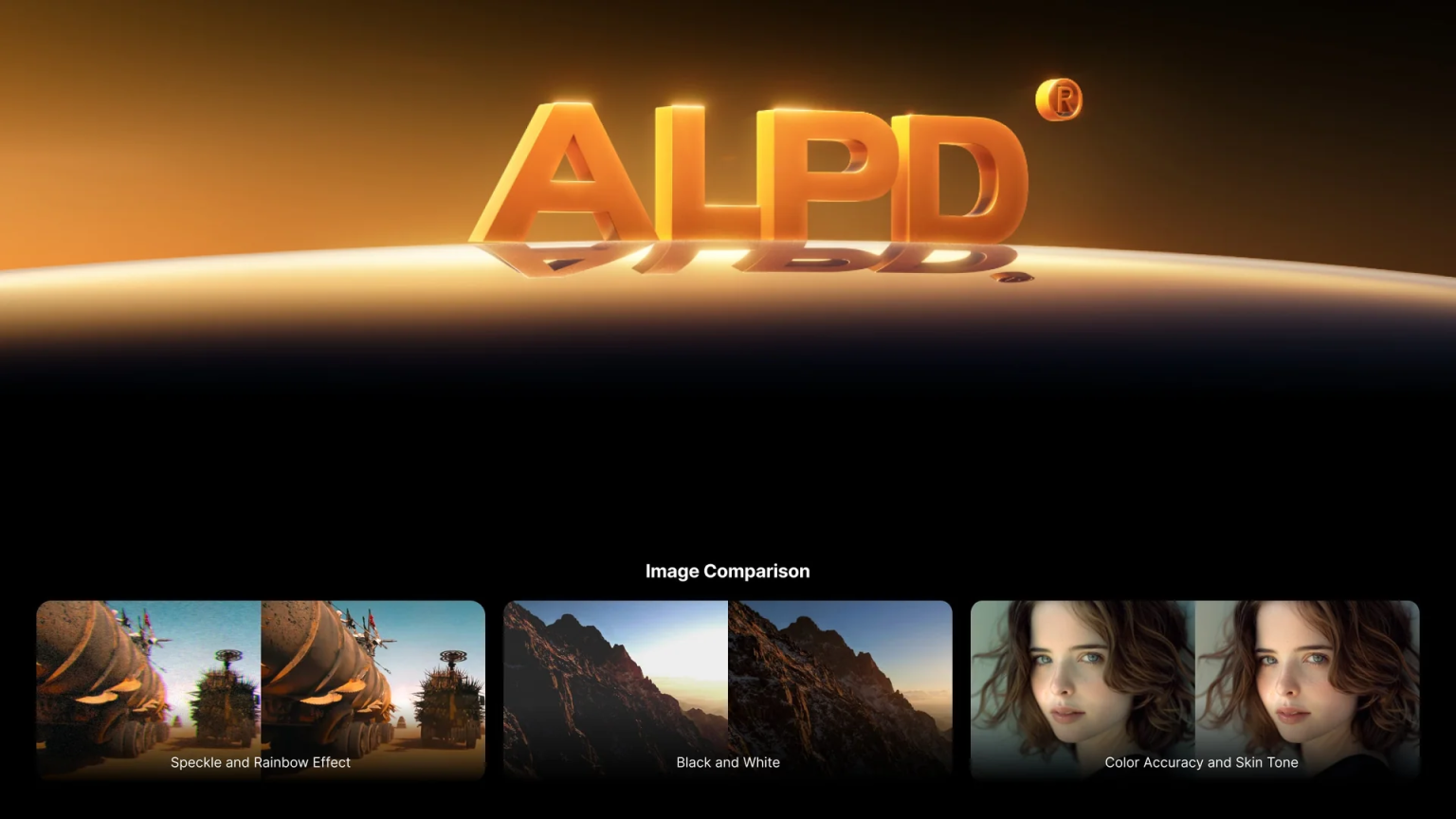
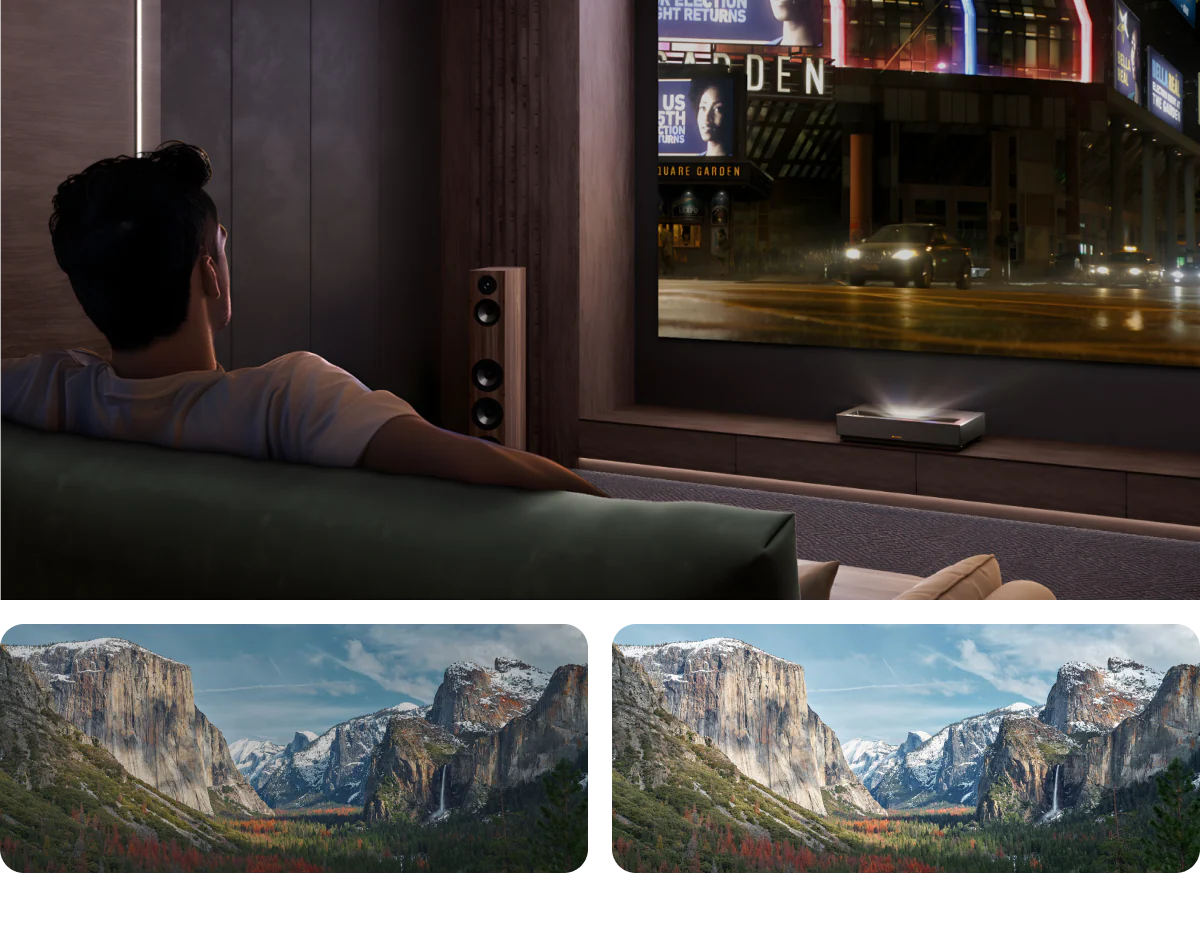
Didukung teknologi ALPD®, Formovie Cinema Edge menghadirkan tampilan bebas speckle dengan akurasi warna tinggi, kecerahan optimal, dan kontras yang tajam.
Hiburan Optimal di Berbagai Kondisi
Tetap nikmati pengalaman menonton yang imersif meskipun dengan pencahayaan sekitar, berkat tingkat kecerahan hingga 2100 ISO lumens.
Detail Terlihat Lebih Nyata dengan Kontras Tinggi
Perpaduan warna gelap yang dalam dan warna terang yang hidup tampil seimbang berkat rasio kontras 3000:1 dan dukungan HDR10.
Temukan Solusi Home Theater Ideal Anda
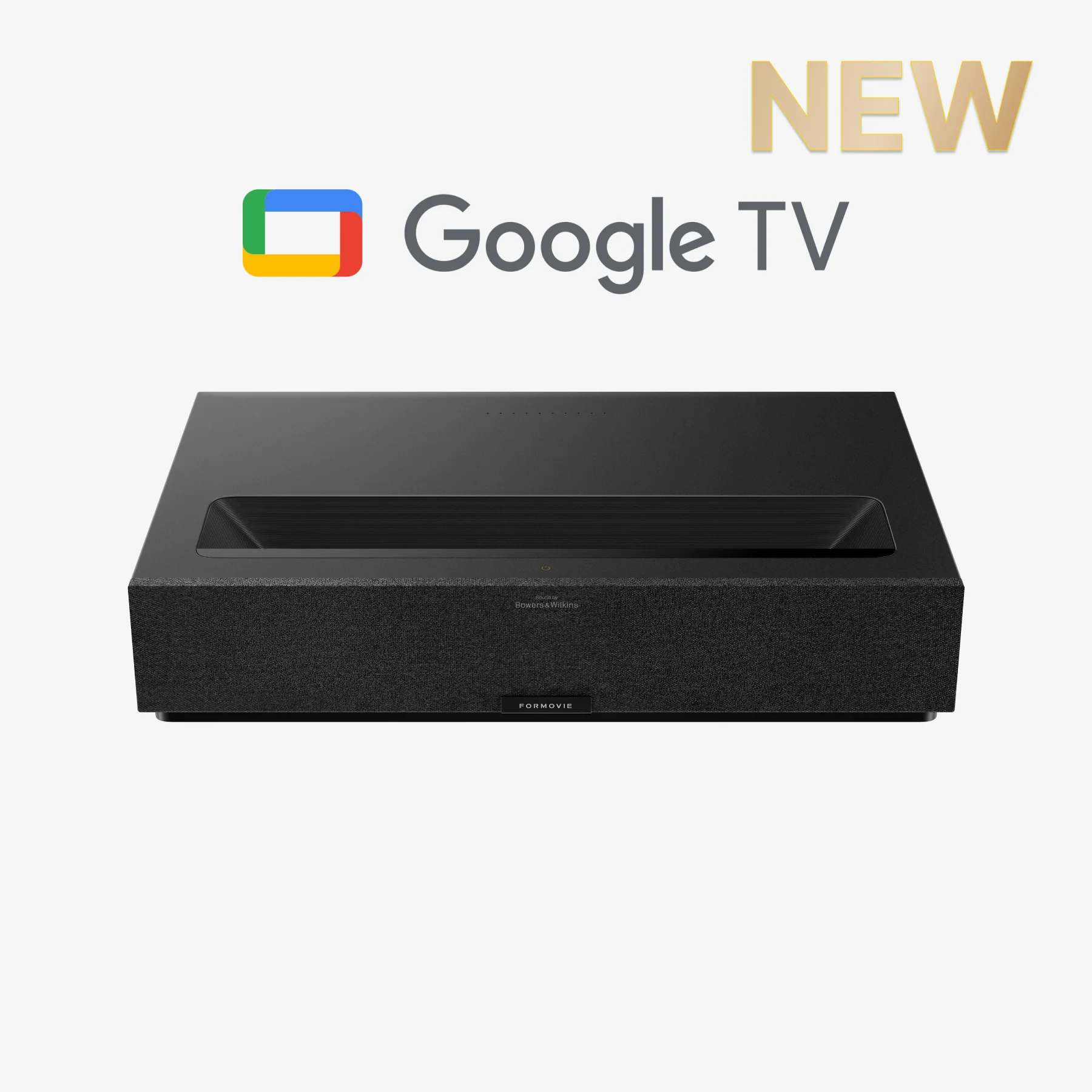
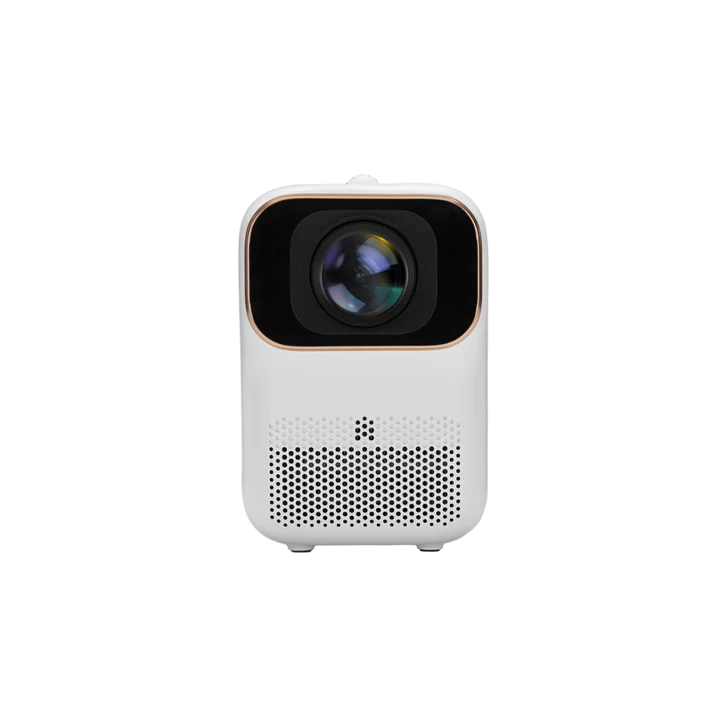
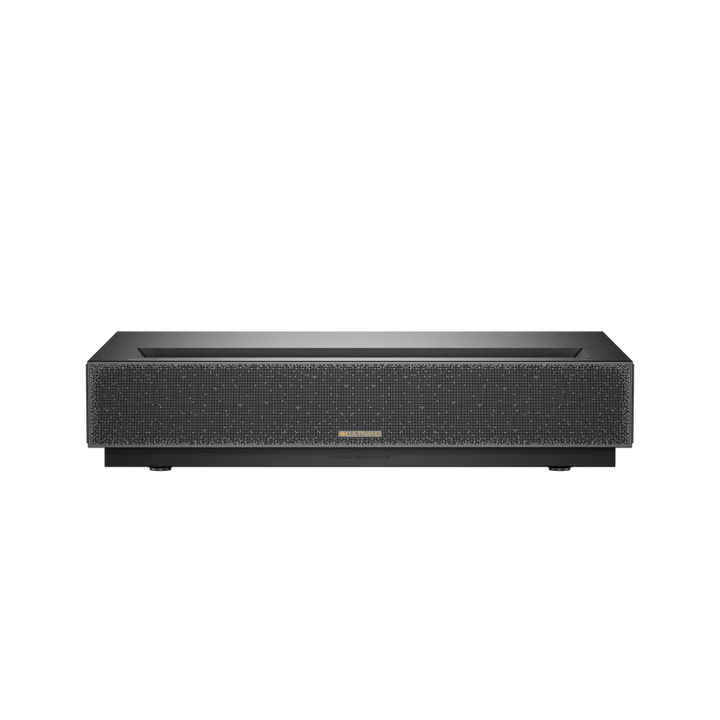
Formovie Cinema Edge 4K UST Laser Projector Featuring Google TV with Netflix
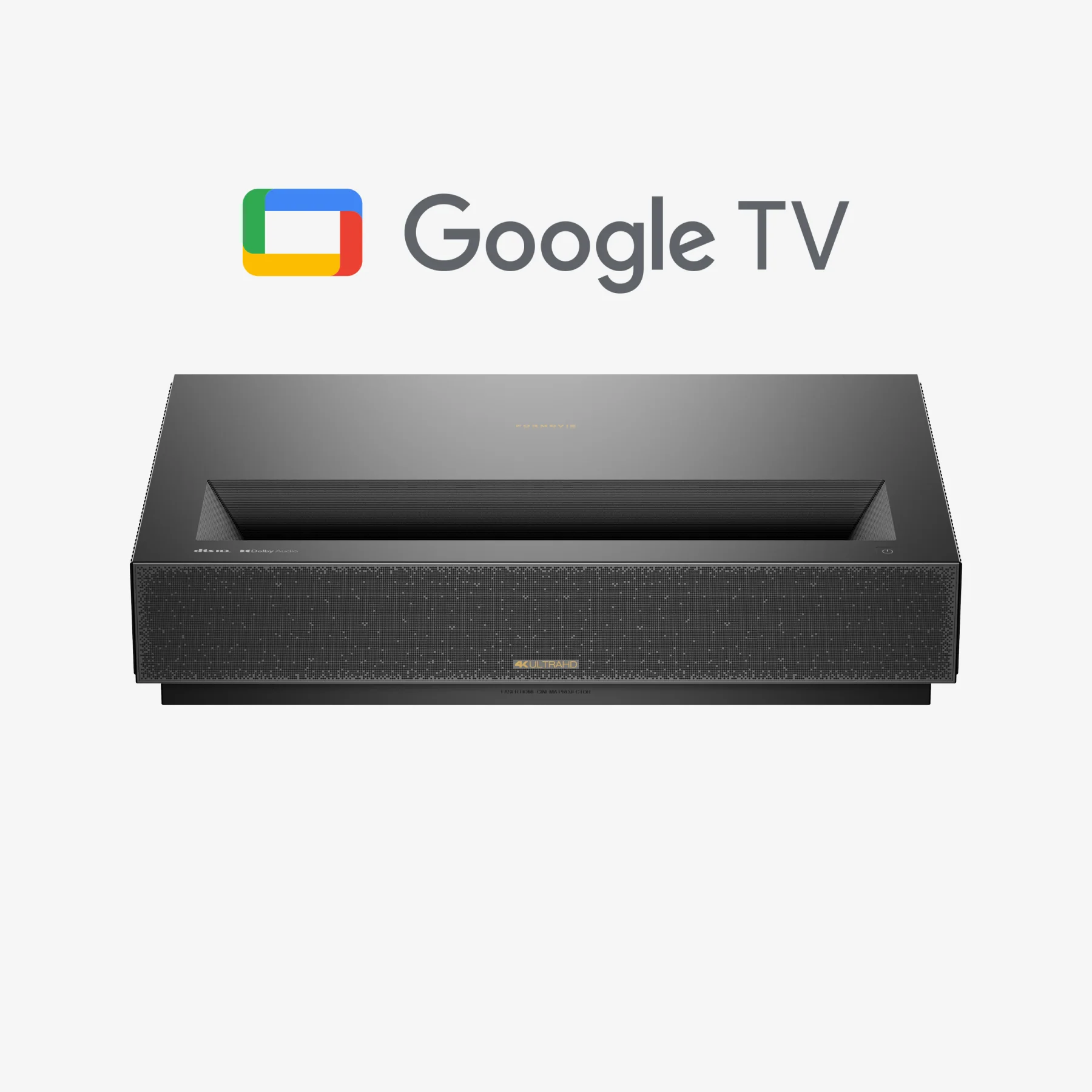
Formovie THEATER Ultra Short Throw 4K Laser Projector
Image
Screen Size
80-150''
80-150''
Brightness
2100 ISO Lumens
1800 ISO Lumens
Contrast (FOFO)
3000:1
3000:1
Standard Resolution
4K UHD(3840 × 2160)
4K UHD(3840 × 2160)
Color Gamut
110% Rec.709
107% BT.2020
Refresh Rate
60 Hz
60 Hz
Projection
Projection Type
Ultra Short Throw
Ultra Short Throw
Throw Ratio
0.23 : 1
0.23 : 1
Technique
DLP
DLP
Light Engine
Blue phosphor laser with ALPD®
Triple Laser with ALPD® RGB+ 4.0
Focus
Motorized Focus
Motorized Focus
Keystone Correction
8-point/4-point
8-point/4-point
3D Support
NO
NO
Video
Dynamic Image
HDR10/HLG
Dolby Vision / HDR 10+(Decoding) / HDR 10 / HLG
MEMC (Motion Estimate and Motion Compensation)
Yes
Yes
Audio
Speaker
15W x 2
15W x 2 Sound by Bowers & Wilkins
Audio & Decoding
Dolby Audio & DTS-HD
Dolby Atmos & DTS-X
System
CPU
MT9629
MT9629
RAM
2GB
2GB
eMMC
32GB
32GB
OS
Google TV
Android TV 11.0
Netflix
Yes
NO
Connection
WiFi
2.4/5GHz WIFI 6
2.4/5GHz WIFI 6
Bluetooth
Bluetooth 5.0
Bluetooth 5.0
Google Assistant
Yes (Voice remote)
Yes (Far-field voice control + Voice remote)
Inputs & Outputs
HDMI 2.1
3 (1 with eARC)
3 (1 with eARC)
S/PDIF
1
1
LAN
1
1
Line Out
1
1
Electric
Noise Level
≤32dB
≤28 dB
Power Consumption
≤300W
≤350W
Power Input
100 - 240V, 50/60Hz
100 - 240V, 50/60Hz
Standby Power Consumption
<0.5W
<0.5W
Physical
Dimension/mm
456 x 308 x 91
550 x 349.2 x 107.5
Weight/kg
7kg
9.8kg
Other
Working Temperature
0~40°C
0~40°C
Storage Temperature
-20~55°C
-20~55°C
FAQs
Untuk pertanyaan lebih lanjut, kunjungi pusat bantuan kami.
Wilayah mana saja yang dilayani pengiriman?
Formovie Cinema Edge saat ini tersedia untuk pembelian di negara atau wilayah tertentu melalui formovie.com. Jika negara/wilayah Anda belum tercantum namun Anda tetap ingin melakukan pembelian, silakan kunjungi halaman Where to Buy atau hubungi tim layanan pelanggan kami di service@formovie.co.id
Biaya dan Metode Pengiriman
Pengiriman dilakukan dari gudang di Hong Kong, Polandia, the United States (USA), and Kanada.
* Kami tidak dapat melakukan pengiriman ke alamat PO Box maupun alamat militer. * Layar floor rising 120” akan dikirim terpisah dengan estimasi waktu pengiriman sekitar 3 minggu.
Metode Instalasi yang Tersedia untuk Formovie Cinema Edge
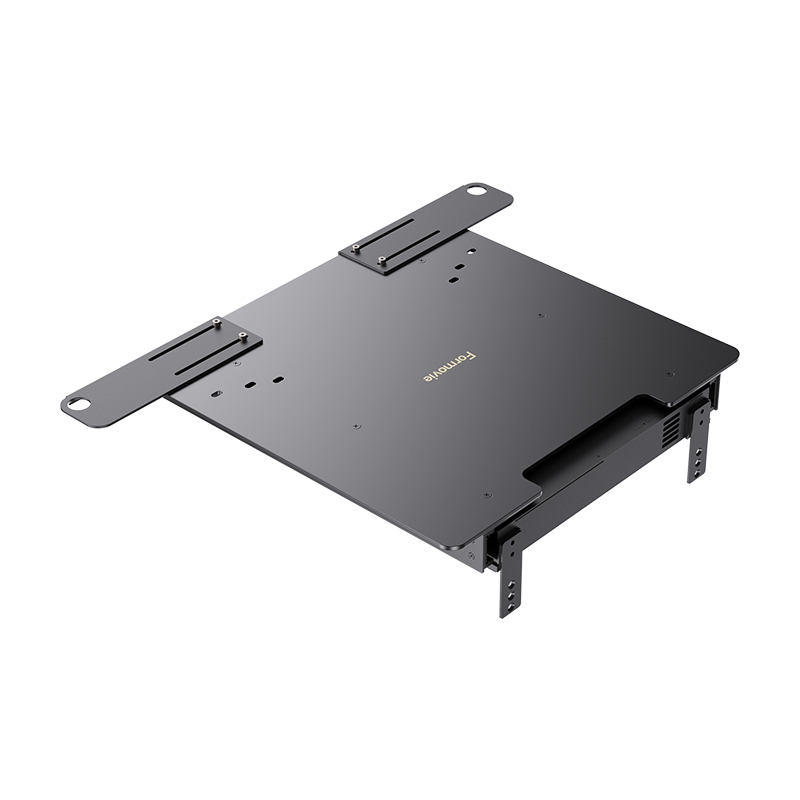
Penempatan di Meja (Tabletop Placement): Tempatkan proyektor pada permukaan yang stabil dan mampu menopang beratnya dengan aman. Pastikan posisi proyektor tidak melebihi tepi permukaan penopang.
Tentukan jarak antara proyektor dan dinding atau layar sesuai dengan ukuran layar yang diinginkan. Silakan merujuk ke buku panduan untuk detail lebih lanjut.
Pemasangan di Plafon (Ceiling Mounting):
Pastikan bracket pemasangan mampu menopang setidaknya lima kali berat proyektor. Instalasi sebaiknya dilakukan oleh tenaga profesional.
Saat memasang, pastikan spesifikasi sekrup sesuai dengan ketentuan berikut:
Tipe sekrup: Non self-tapping M5 × 21 (diameter 5 mm, panjang 21 mm) sebanyak 5 pcs
Sesuaikan posisi bracket sesuai kebutuhan dan kencangkan sekrup dengan baik untuk menyelesaikan instalasi.
Setelah proyektor dinyalakan, buka Settings → Projector → Projection Method untuk mengatur mode proyeksi yang sesuai.
Apa yang harus dilakukan jika tidak ada gambar yang diproyeksikan?
Periksa apakah sistem mengalami gangguan atau crash.
Pastikan tidak terjadi kesalahan tampilan pada layar.
Pastikan remote control tersedia, terhubung, dan dapat digunakan untuk menyalakan proyektor.
Jika proyektor mengalami panas berlebih, perangkat akan mati secara otomatis.
Apa yang harus dilakukan jika proyektor terlalu panas dan mati?
Tunggu sekitar lima menit, kemudian sambungkan kembali kabel daya dan nyalakan proyektor.
Setelah menyala, lakukan pairing ulang pada remote control.
Bagaimana mengatasi masalah pada remote control?
Pastikan tidak ada hambatan pada saluran masuk dan keluar udara agar aliran udara tetap lancar. Lakukan restart proyektor sesuai langkah di atas.
Jika masalah berlanjut, hubungi teknisi profesional atau layanan pelanggan kami di service@formovie.co.id
.
Apa yang harus dilakukan jika proyektor tidak merespons atau tidak dapat dinyalakan?
Matikan proyektor dan cabut kabel daya, kemudian sambungkan kembali dan nyalakan perangkat.
Apakah Formovie Cinema Edge mendukung 3D?
Kami dengan senang hati menginformasikan bahwa fitur 3D akan segera hadir! Saat ini fitur tersebut masih dalam tahap pengujian internal, jadi mohon nantikan pembaruan selanjutnya. Setelah siap, fitur ini akan tersedia melalui pembaruan firmware dan/atau aplikasi pada perangkat Anda, yang dikirimkan secara otomatis melalui koneksi nirkabel.
Maksimalkan Pengalaman Anda
dengan Layar ALR Formovie
Padukan Theater Premium dengan layar Ambient Light Rejection untuk kualitas visual optimal di berbagai kondisi pencahayaan. Instalasi mudah dan tersedia dalam berbagai ukuran untuk pengalaman menonton terbaik.